Overview
I have always been interested in the boundary between software and physical objects - the moments where a digital experience becomes something you can hold, touch, or place in a room. This project was an opportunity to push into the other side of that boundary and build something that exists in the physical world.
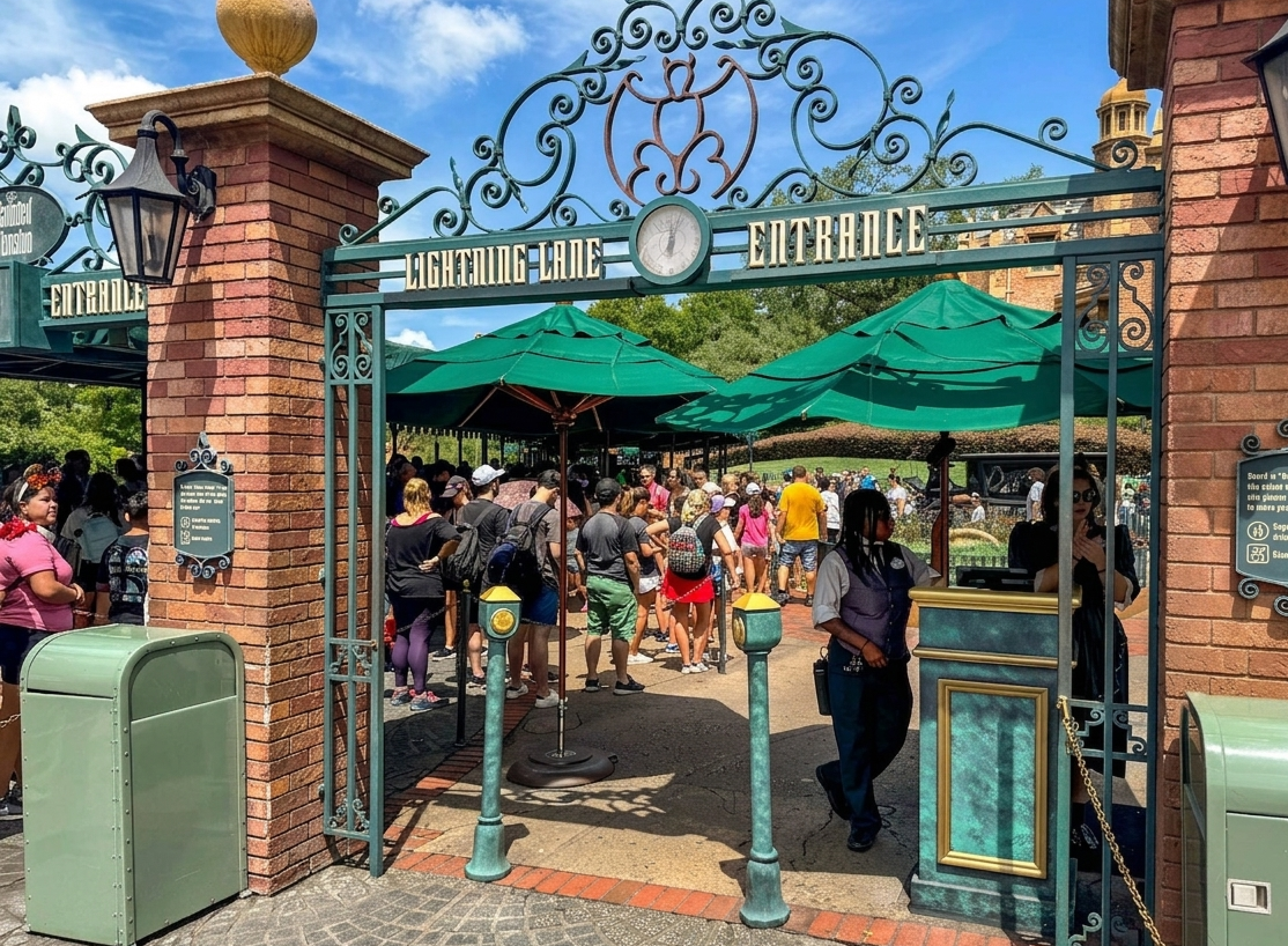
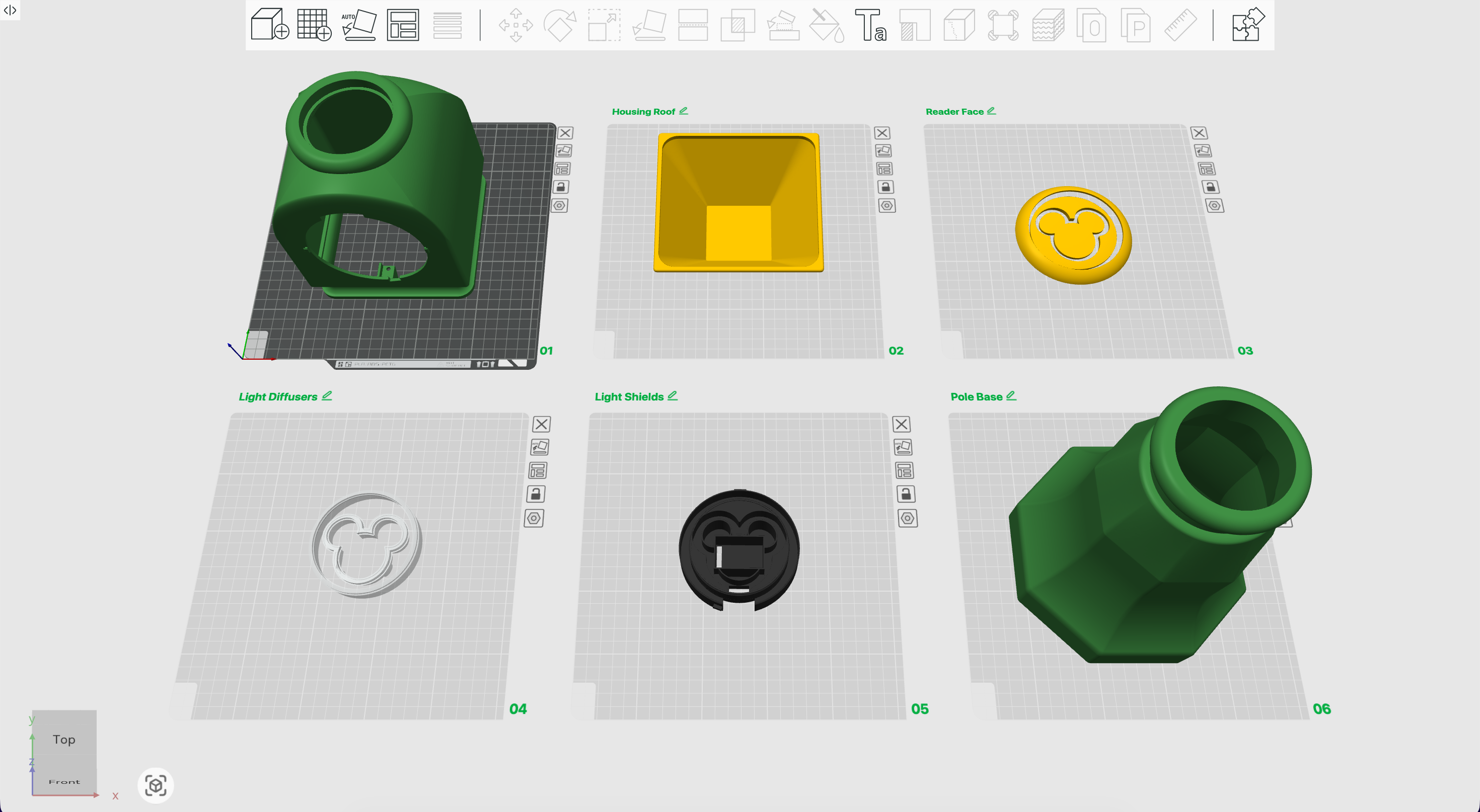
The starting point was a video I found of a replica Haunted Mansion Lightning Lane MagicBand reader from Disney World. MagicBands are used throughout the park for park entry, hotel room access, payments, and in this case accessing the Lightning Lane to bypass the main queue. The creator of the replica had shared the 3D print files publicly, but excluded the electronics due to a complex custom implementation. Since my kids love Disney, I wanted to build one.
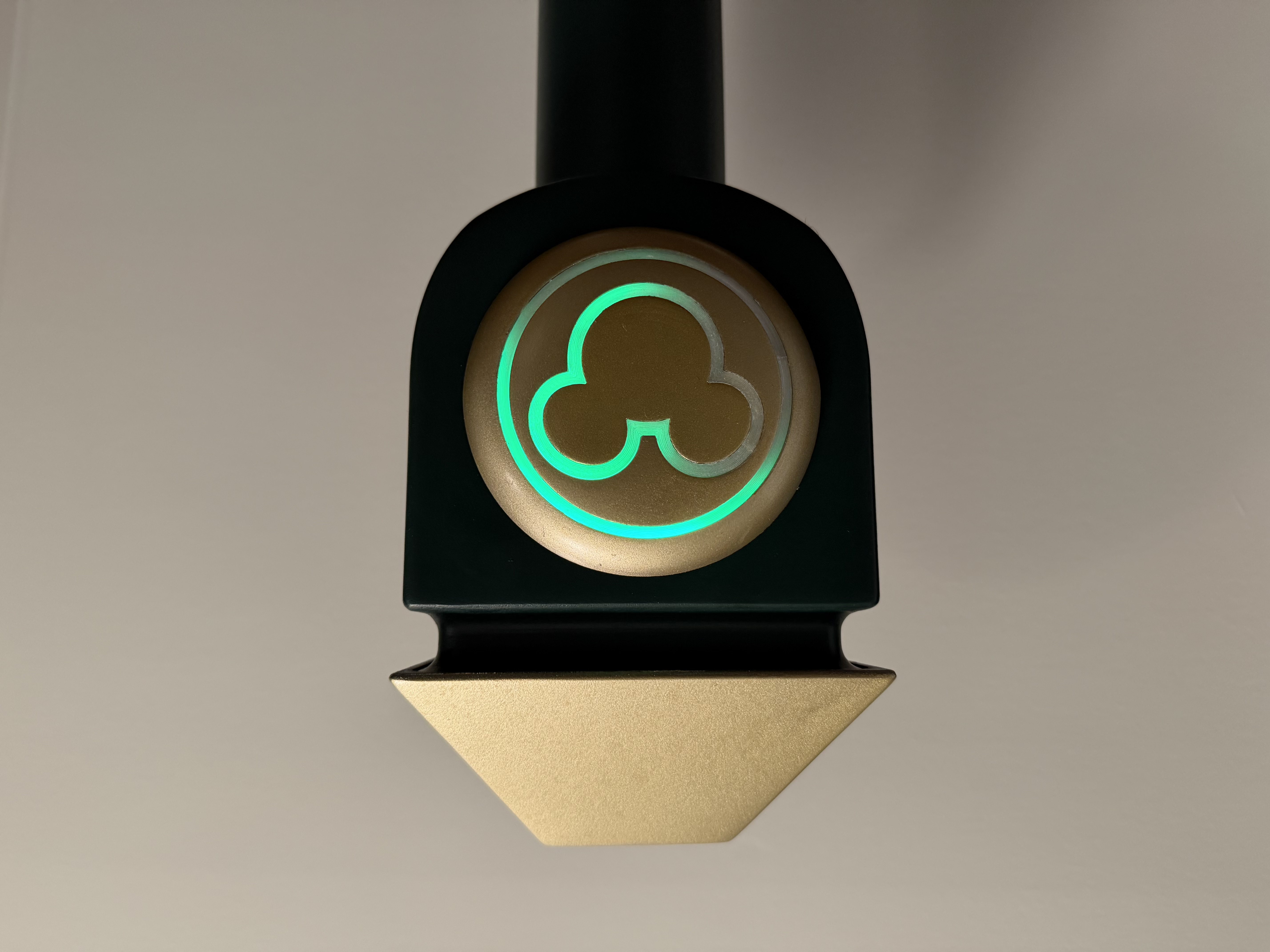
The result is a fully self-contained device: a 3D-printed housing, custom internal control board, RFID reader, LED strip, amplifier, and speaker - all tied together with a Python application running on a Raspberry Pi Zero 2W. When a MagicBand or RFID card is presented to the reader, the device responds with a synchronized LED animation and audio chime, replicating the feel of the Disney experience. All of the hardware, software and instructions on how to build your own can be found in my GitHub repo.
The challenge
The 3D housing was a detailed model built to match the original Disney prop. Everything had to be designed to fit inside it and work together seamlessly. The challenge was not just getting the hardware to function, but designing an interaction that felt right. If something was off, you'd notice it immediately.
These are the key constraints.
01
All electronics had to fit within the fixed dimensions of the existing housing.
02
The RFID, LED, and audio systems each use different hardware interfaces (SPI, PWM, I2S) that had to coexist without conflict.
03
The interaction, animation, and audio had to sync seamlessly.
04
The device needed to run automatically when powered on without the need for a computer.
05
The solution needed to be simple enough that others could build it.
06
Power delivery had to be shared cleanly across the Raspberry Pi, LED strip, and audio amplifier.
Hardware design
Selecting the right components was the first design decision. The Raspberry Pi Zero 2W was chosen to run the program due to size and the ability to store audio files on the SD card. The RC522 RFID reader handles tag detection over SPI, the MAX98357A I2S amplifier drives audio without a separate power source, and a 144-light-per-meter WS2812B LED strip provides the animation density needed to match the original prop's look.
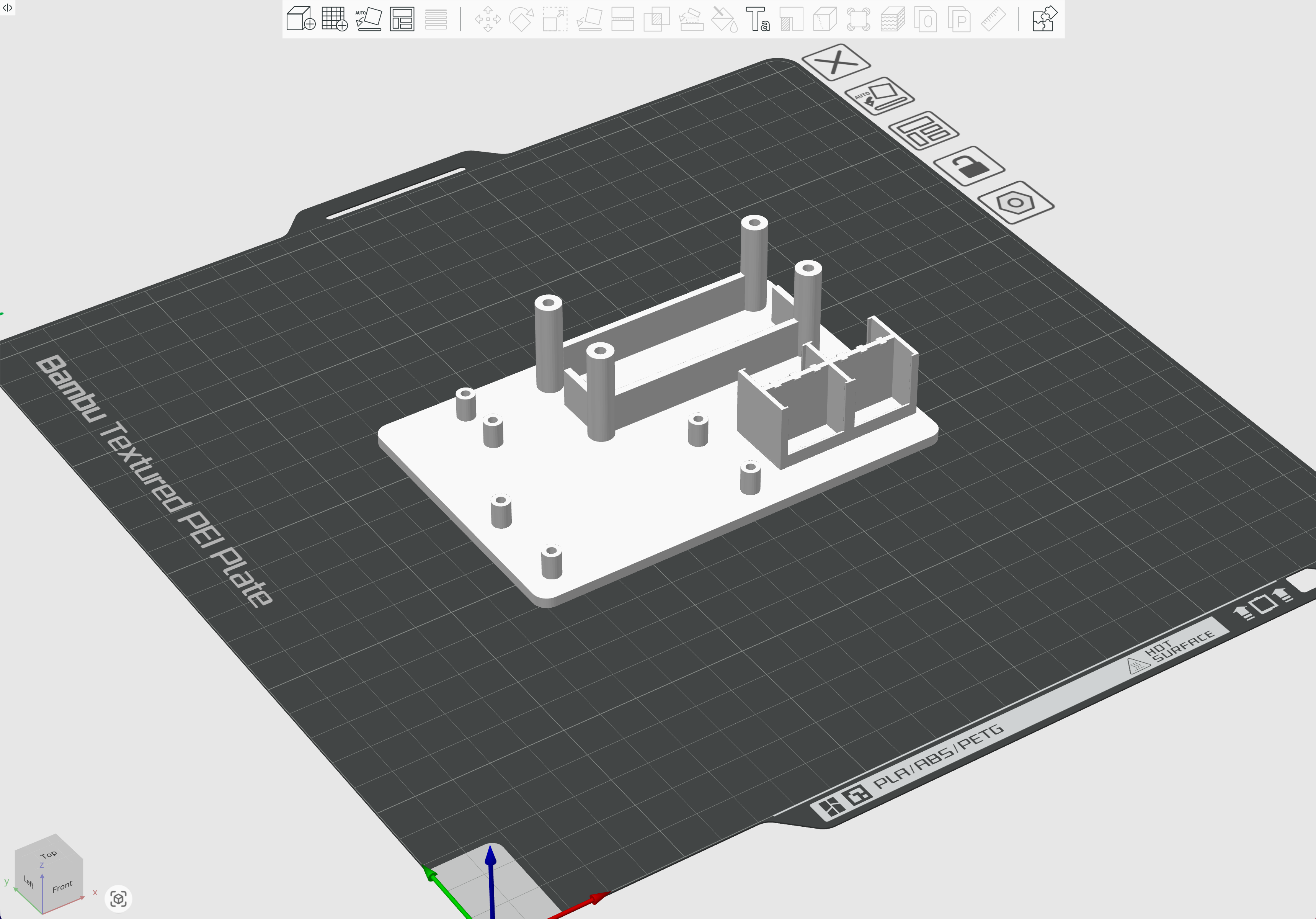
To keep everything organized and repeatable, I designed a custom internal control board in Fusion 360. The board mounts the components in a defined layout inside the housing and uses WAGO lever-nut connectors to remove the need for soldering.
Approach
A Python application runs on the Pi and manages three systems simultaneously. Getting the timing right was the core design challenge: the animation had to match with the audio. Out of sync audio and animation would ruin the feel of the interaction.
Designed for three distinct phases
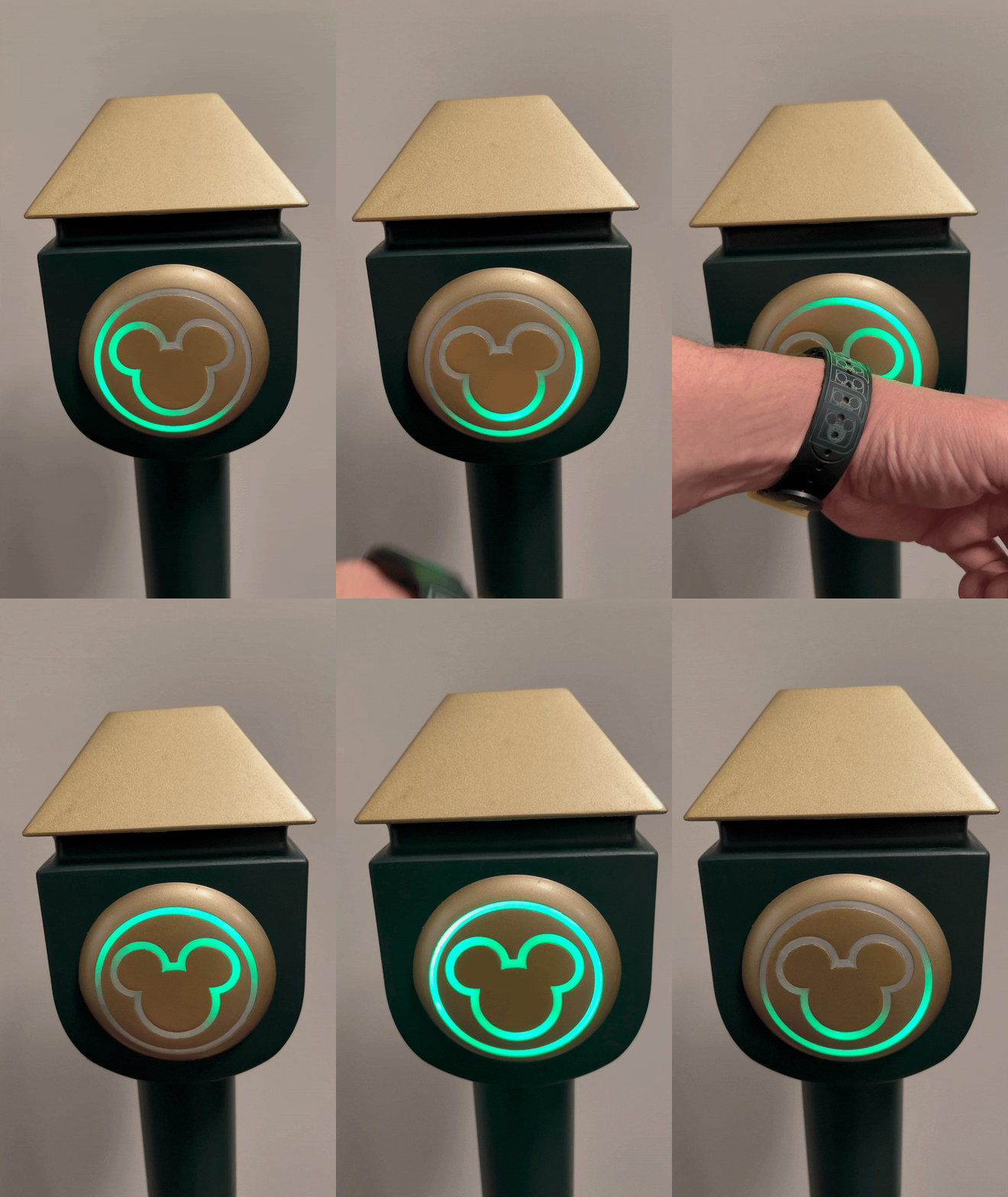
In the idle state, a slow green chase animation circles the reader - signaling that the device is on and ready. When a tag is scanned, the audio and a rapid chase animation fires immediately, followed by a sustained green flash. If the tag is scanned again during playback, the lights briefly flash red to acknowledge the stop.
Avoiding hardware conflicts
LED animation runs on a background thread so it never blocks the RFID polling loop. Audio playback uses pygame with retry logic to handle initialization edge cases on boot. The main loop runs with a 500ms cooldown after each scan to prevent accidental double-triggers. Getting these three threads to coexist cleanly was the most technically demanding part of the project.
Configurable
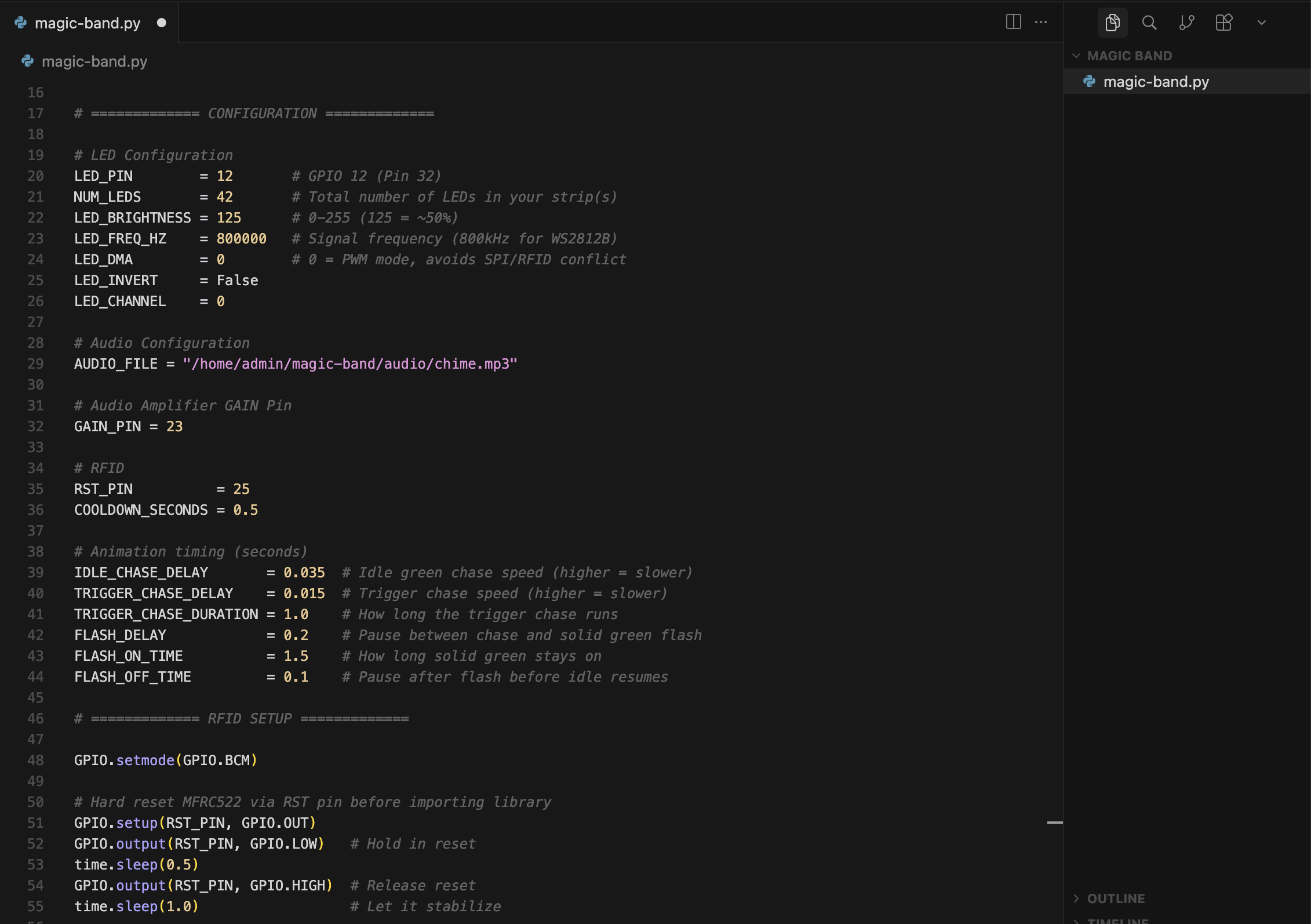
All animation timing, LED brightness, LED count, and the audio file path are exposed as constants at the top of the script. The audio can be swapped out for anything longer, and a second tap will stop it mid-playback.
Automatic startup
The application registers as a systemd service so it launches automatically on boot without the need for a keyboard, monitor, or intervention.
Results
The finished device works exactly as intended. Tap any 13.56MHz RFID card or MagicBand to the reader and the LEDs animate and the chime plays within milliseconds. Tap again to stop. Unplug and plug back in and it's running again in seconds.
The project is fully open sourced on GitHub with a complete bill of materials, step-by-step setup guide, wiring diagrams, Python source code, and the Fusion 360 files for the custom control board. The setup guide covers everything from flashing the OS to troubleshooting individual components, so anyone who wants to build one can do it without starting from scratch.
Open source
Full source code, wiring guide, setup documentation, and 3D design files.